All users of the system can create public missions and templates for sharing with others. Public templates can be viewed without requiring a team membership.
Subscribers of any paid package are able to publish templates to the public Template Discovery Page. All users can search that page looking for useful templates to adapt for their own needs.
Authors enrolled in our Content Partners Program can receive compensation based on the popularity of the templates they publish.
The first step in publishing a template is to have the Access Scope set as public.
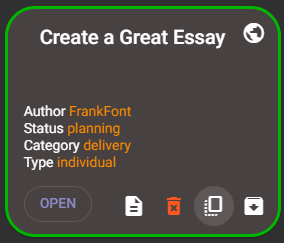
That property can only be set when you clone a mission into a template. Here are the steps.Click the clone icon  on the mission summary card.
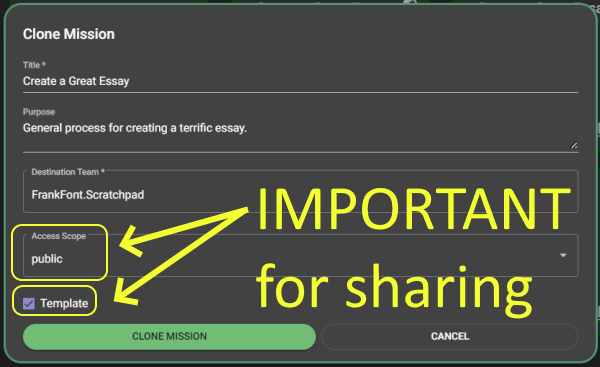
Ensure the Access Scope is set to public and that the Template prompt has a checkmark before your click the CLONE MISSION button.
Your mission will now have been cloned into a public template. You can now see the summary card for that template by switching to the templates page.

Public templates can be viewed by anyone on the internet that has been given its URL.
The following steps can be taken by users subscribed to any paid package for any template that they have created where Access Scope is set as public.
 .
.After a short time your template will appear in the searchable list of published templates.
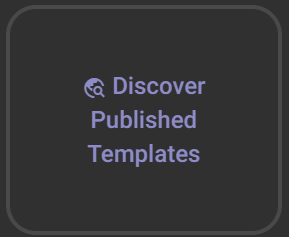
Published templates can be found by any user that clicks on the Discover Published Templates button.