
Members of a team can interact with missions and templates that are team scope and in that team.
Team managers can choose who to add into a team and what rights they will have in that team.
Click the team membership icon  at the left of the main mission screen to see/edit membership of the currently selected team.
Click the  button and then select the user you would like added to the team.
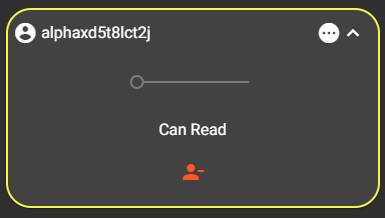
Click the  icon on the expanded member panel.