
You can set the team properties when creating a new team, as shown in the screenshot below.
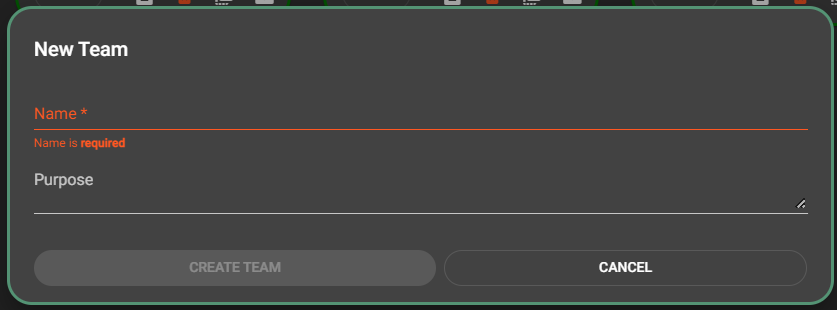
| Name |
The name that appears for this team. |
|---|---|
| Purpose | Provide a brief insight into the purpose of this team. |
You will find a pencil icon  next to the the displayed name of a team you can edit. Click on that icon to view or change the properties of that team.